
启动画面
JadeView 在配置了启动画面的窗口内显示 LOGO 和加载动画。覆盖层随窗口出现,覆盖内容区及菜单栏,标题栏保持可见。
窗口是否有标题栏、边框,完全由创建该窗口时的选项(noframe、title_bar_style、transparent 等)决定。启动画面只覆盖标题栏下方的内容区,不会修改窗口样式;标题栏保持可见和可操作。
效果
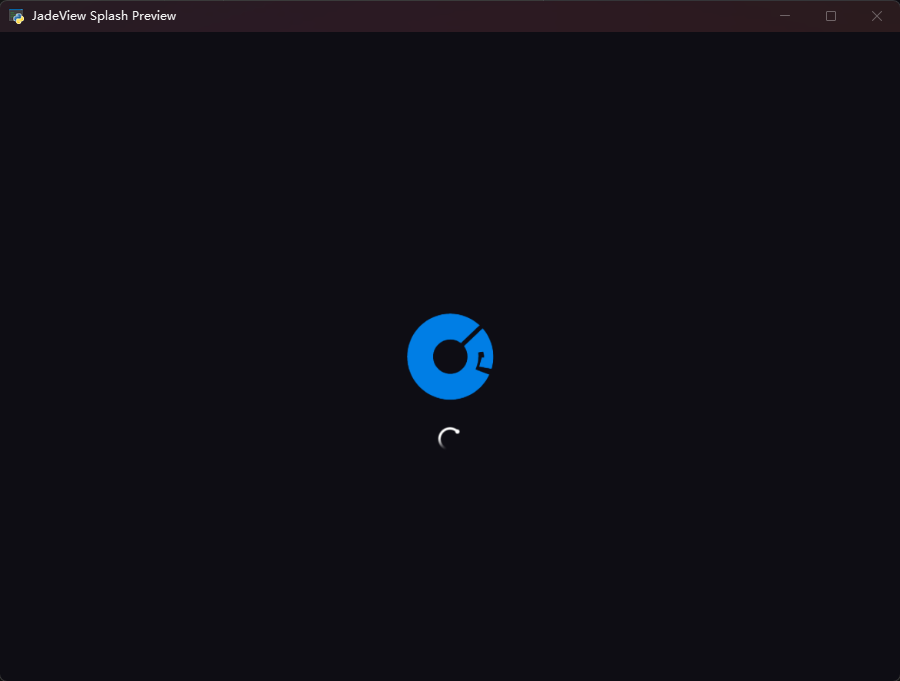
窗口创建参数
typedef struct JadeSplashOptions {
    uint32_t struct_size;
    uint32_t abi_version;
    uint32_t flags;            /* 第 0 位禁用 Splash */
    const char* logo_path;
    const uint8_t* logo_data;
    size_t logo_data_size;
    uint32_t background_color; /* 0xAARRGGBB */
    uint32_t accent_color;     /* 0xAARRGGBB */
    uint32_t minimum_ms;
} JadeSplashOptions;

uint32_t create_webview_window(
    const char* url, uint32_t parent_window_id,
    const struct WebViewWindowOptions* options,
    const struct WebViewSettings* webview_settings,
    const struct JadeWindowFeatures* features);
uint32_t create_window(
    uint32_t parent_window_id, const struct WebViewWindowOptions* options,
    const struct JadeWindowFeatures* features);
等待 app-ready 后创建窗口。通过 窗口功能参数 的 splash 字段传入配置。省略该字段时关闭启动画面。JadeSplashOptions.struct_size 必须等于 sizeof(JadeSplashOptions),abi_version 必须等于 JADE_ABI_VERSION。创建函数在返回前读取配置和 LOGO。
| 字段 | 说明 |
|---|---|
flags | 第 0 位为 1 时不显示启动画面。 |
logo_data / logo_data_size | LOGO 的 PNG/ICO 二进制数据,优先于 logo_path。 |
logo_path | PNG/ICO 文件路径;已挂载的 JAPK 路径如 app/logo.png 可直接使用。 |
background_color | 覆盖层背景色,0 使用默认深色。 |
accent_color | 加载动画颜色,0 在深色背景上使用默认白色。 |
minimum_ms | 首帧后的最短显示时间。设为 0 时,若页面先就绪,可直接显示页面。 |
示例
JadeSplashOptions splash = { 0 };
splash.struct_size = sizeof splash;
splash.abi_version = JADE_ABI_VERSION;
splash.logo_path = "app/logo.png"; /* 已挂载的 JAPK 路径 */
splash.background_color = 0xFF0E0D14;
splash.accent_color = 0xFFFFFFFF;
splash.minimum_ms = 600;
struct JadeWindowFeatures features = { 0 };
features.struct_size = sizeof features;
features.abi_version = JADE_ABI_VERSION;
features.splash = &splash;
uint32_t window = create_webview_window(url, 0, NULL, NULL, &features);
if (!window) return 1;from jadeview_next import SplashOptions, WindowFeatures
features = WindowFeatures(splash=SplashOptions(logo_path="app/logo.png", minimum_ms=600))
window = runtime.create_window(url, features=features)如果启动画面出现在 JAPK 挂载之前,app/logo.png 还不存在,可使用 logo_data 直接传 LOGO 字节;菜单项的 icon_path 在页面加载后同样可以直接使用 app/... 路径。
生命周期
- 一步创建时,覆盖层随可见窗口启动,默认 WebView 在后台加载。使用
create_window时,首次挂载 WebView 时窗口可见才显示覆盖层。 - 目标 WebView 的加载完成信号会请求关闭。等待加载达到 30 秒时也会请求关闭,已显示的覆盖层仍遵守显式配置的最短显示时间。
- 达到关闭条件后,覆盖层整体淡出再移除,随后显示默认 WebView,窗口菜单栏和原有内容恢复。
- 启动层显示期间隐藏标题栏左侧的返回/刷新按钮;覆盖层关闭后按窗口的
set_titlebar_components设置恢复。 - 覆盖层不拦截鼠标命中测试,窗口仍可正常操作。
- 窗口关闭或进程退出时,覆盖层随窗口销毁。
当前启动画面由 Windows 渲染。Linux 接受配置后正常创建窗口。